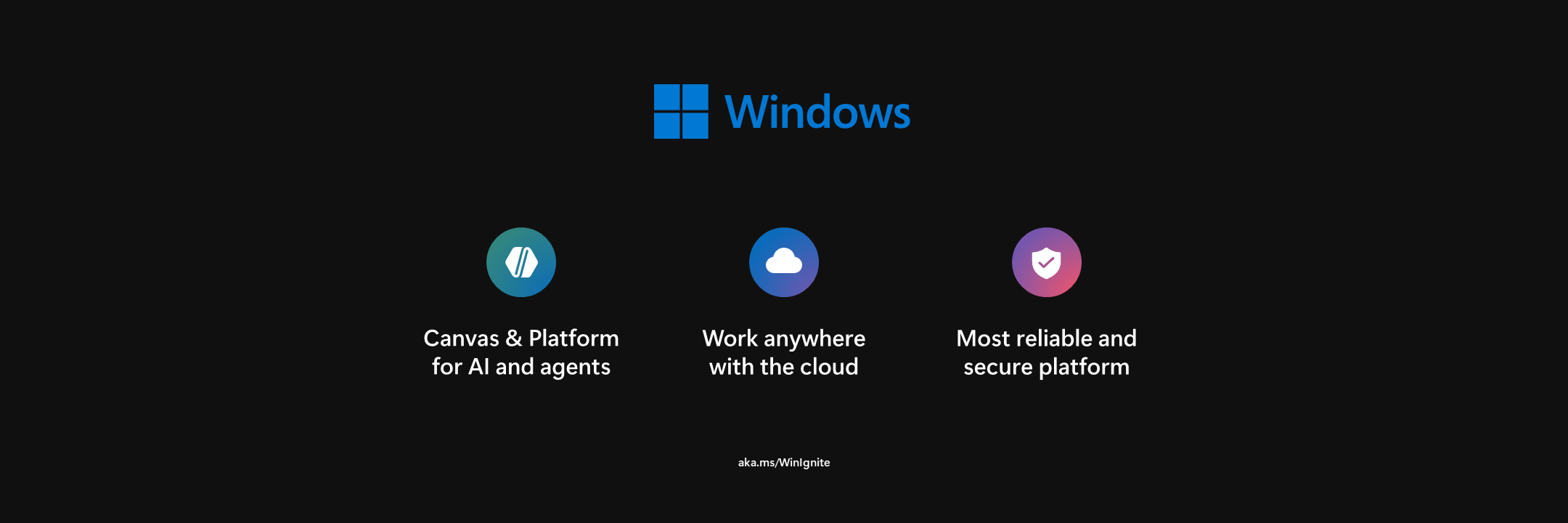
Windows Session
Microsoft Ignite
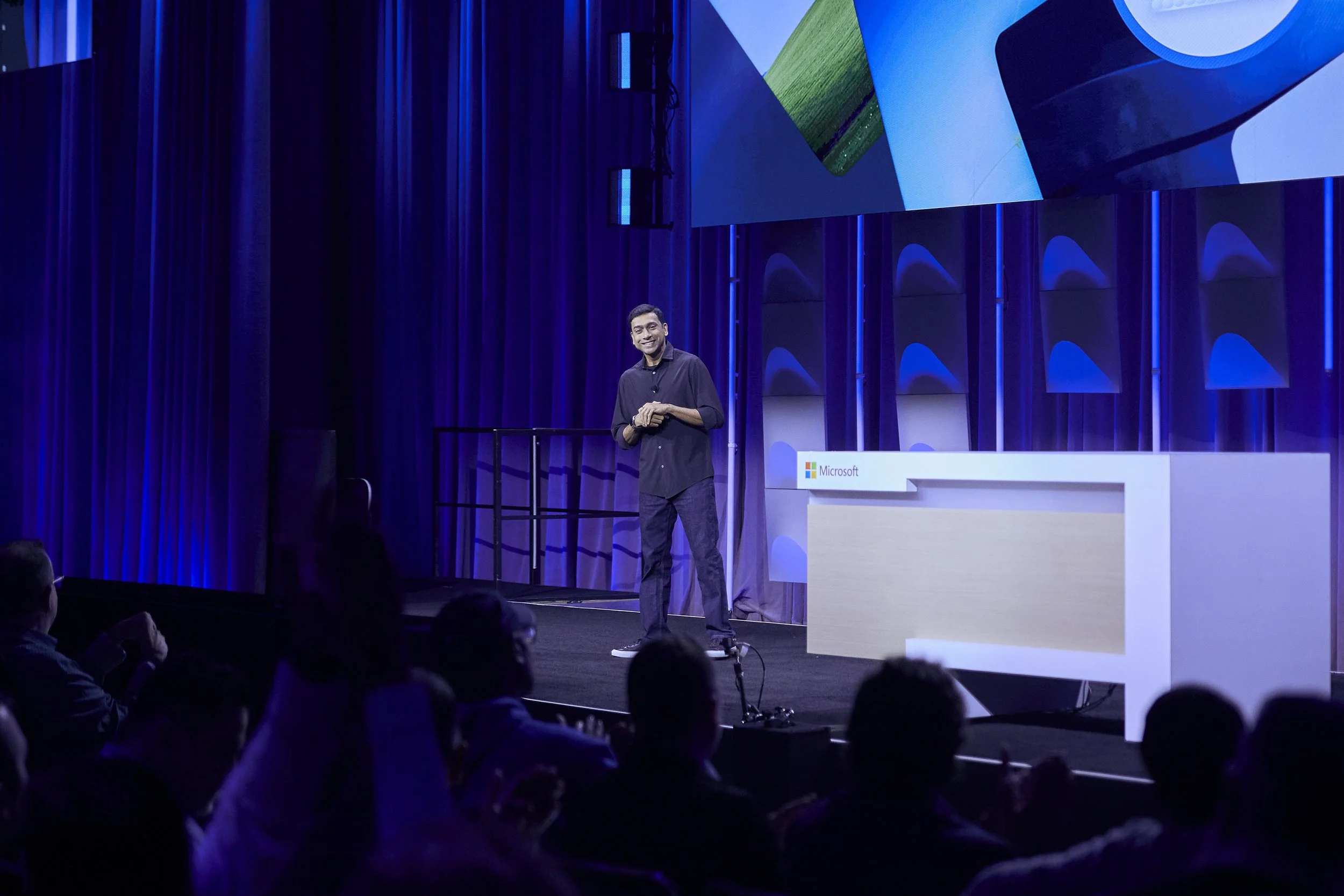
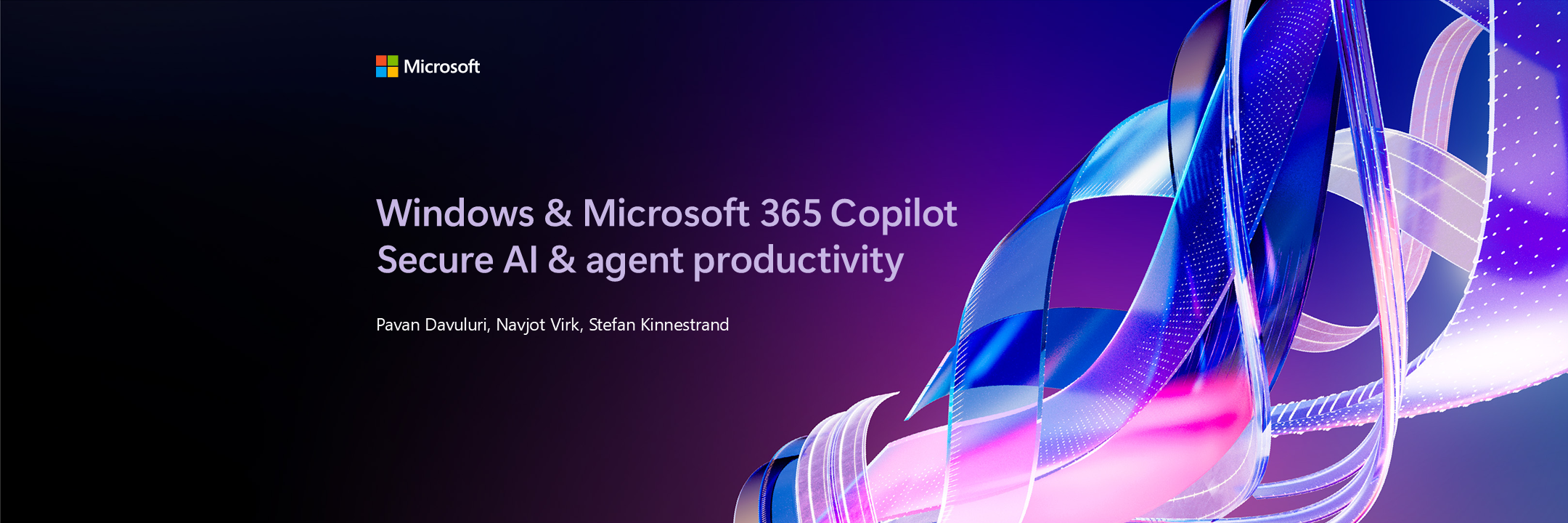
Pavan Davuluri, EVP, Windows + Devices
Navjot Virk, CVP, Windows Experiences
Stefan Kinnestrand, VP, Windows Commercial Marketing
Speakers
Microsoft Ignite is Microsoft’s largest global technology conference, where the company shares major announcements around AI, product innovation and future strategy.
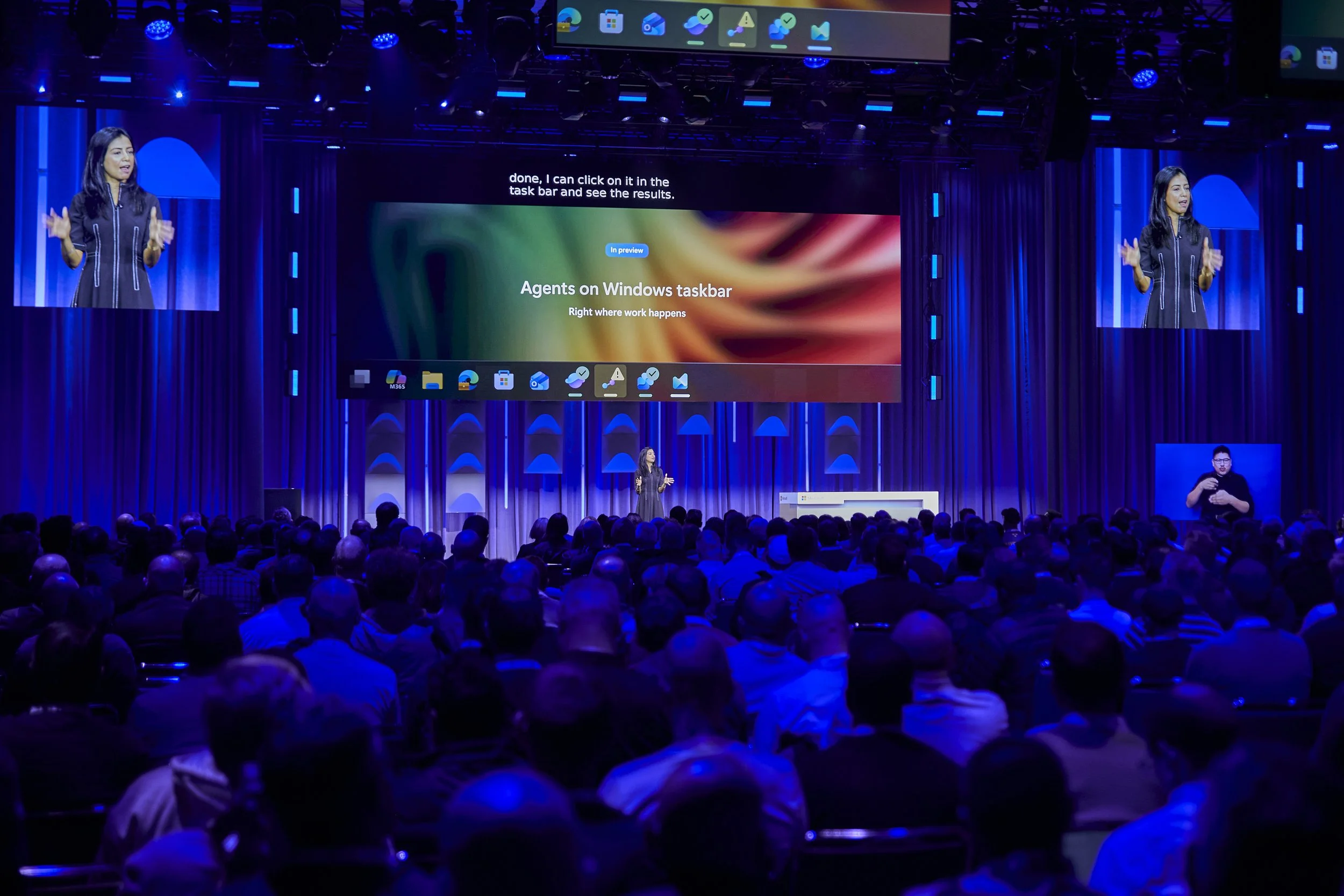
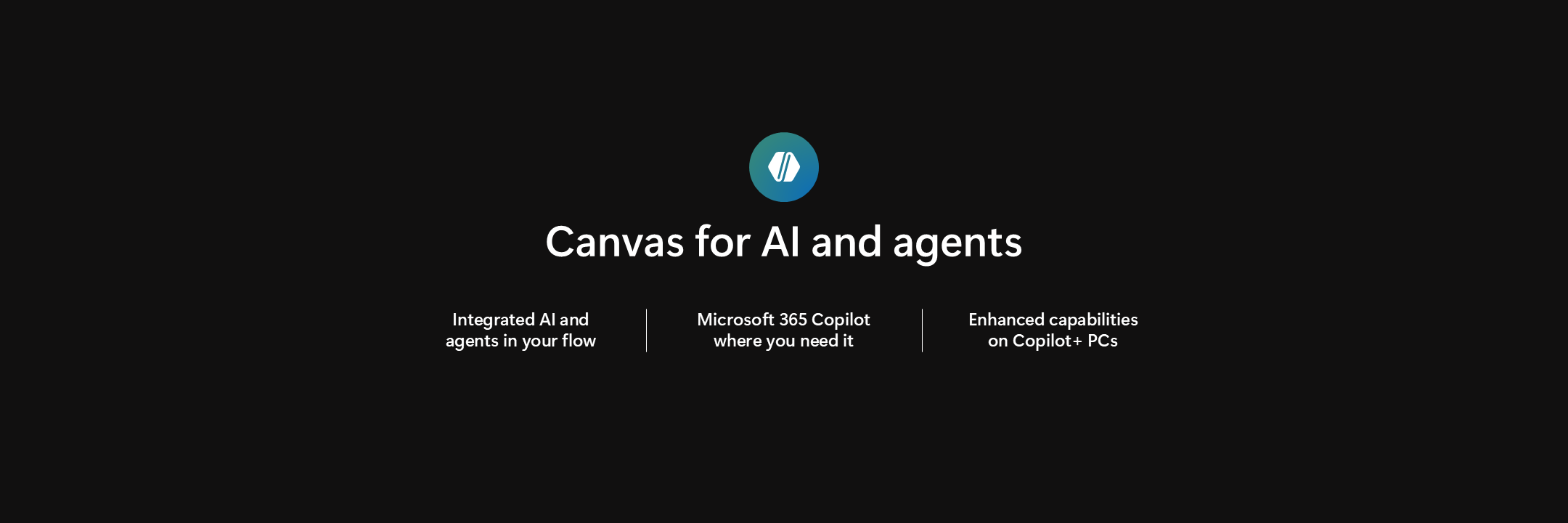
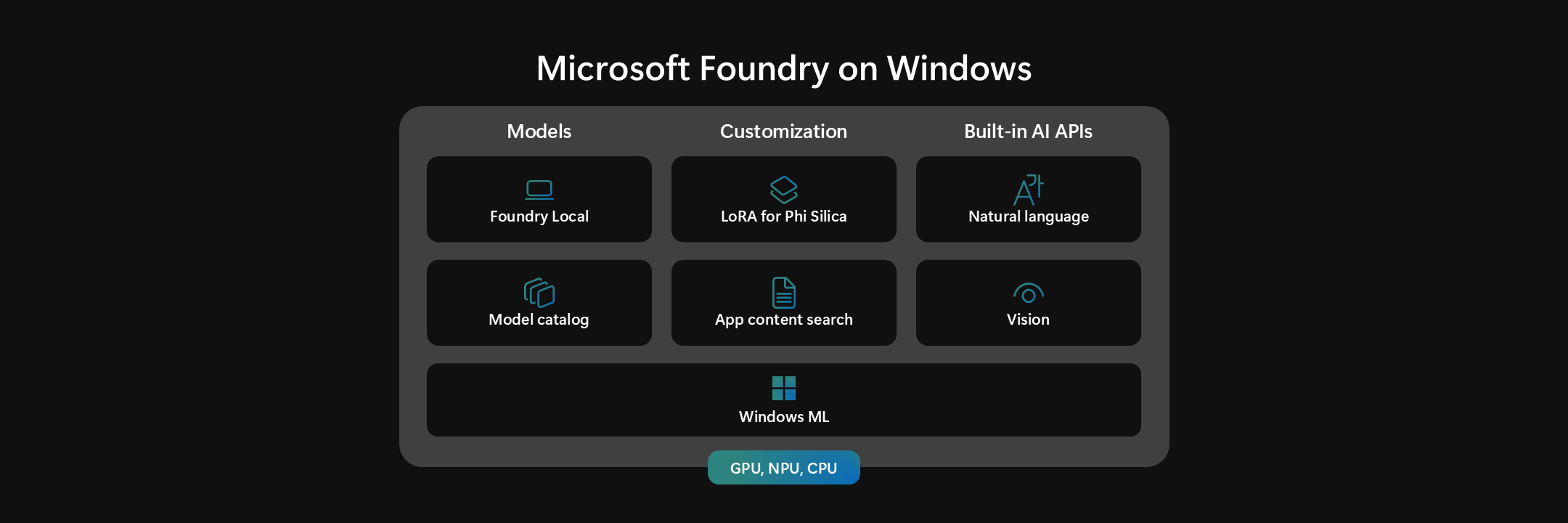
This keynote session focused on how Windows and M365 Copilot were evolving through AI and agents.
The audience ranged from executives and business leaders to engineers and IT professionals, which meant the communication needed to balance technical depth with clarity and accessibility.
Context
My approach
A) Understand the Story
Before moving into visuals, I focused on understanding the audience, narrative, and communication goals behind this session. The key questions I asked myself throughout the process:
1) What is the core message this moment needs to land?
2) What are the main points the audience should walk away with
3) What can be simplified enough without losing meaning since this is keynote quality.
For live environments, clarity is critical. If the audience doesn’t quickly understand, the message is lost.
B) Move quickly into visuals
Once aligned on the direction, I moved quickly into establishing the presentation framework and visual language.
1) Creating sections and wayfinding
2) Defining layout systems that could be repeated
3) Build visual language within Ignite and Microsoft branding
4) Share work early and often
C) Constant iteration
I worked closely with leadership, writers and engineers to refine the messaging and visual storytelling.
However it is important to recognize some challenges to learn from.
1) Balancing keynote level quality with complex subjects like AI
2) Adapting quickly to shifting narratives
3) Refining messaging in real time with multiple authors in the deck
4) Keeping track of all the demos
required for event
The goal was to help the audience understand the key concepts as quickly as possible while providing the “WOW” factor
Section 1:
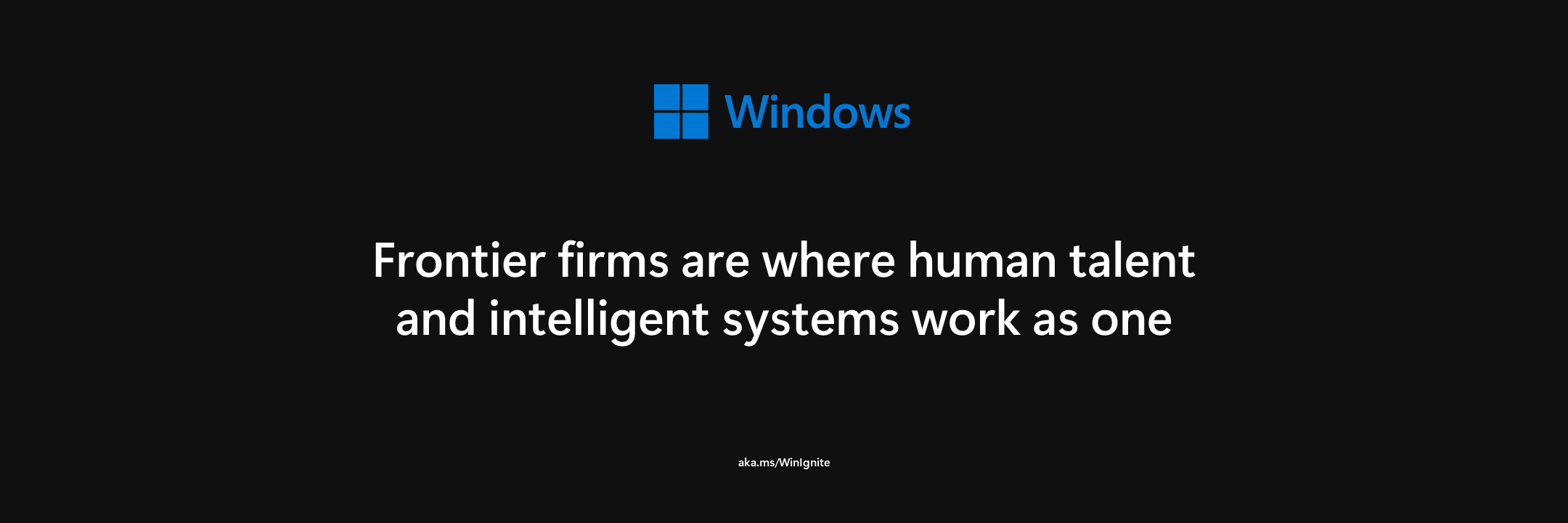
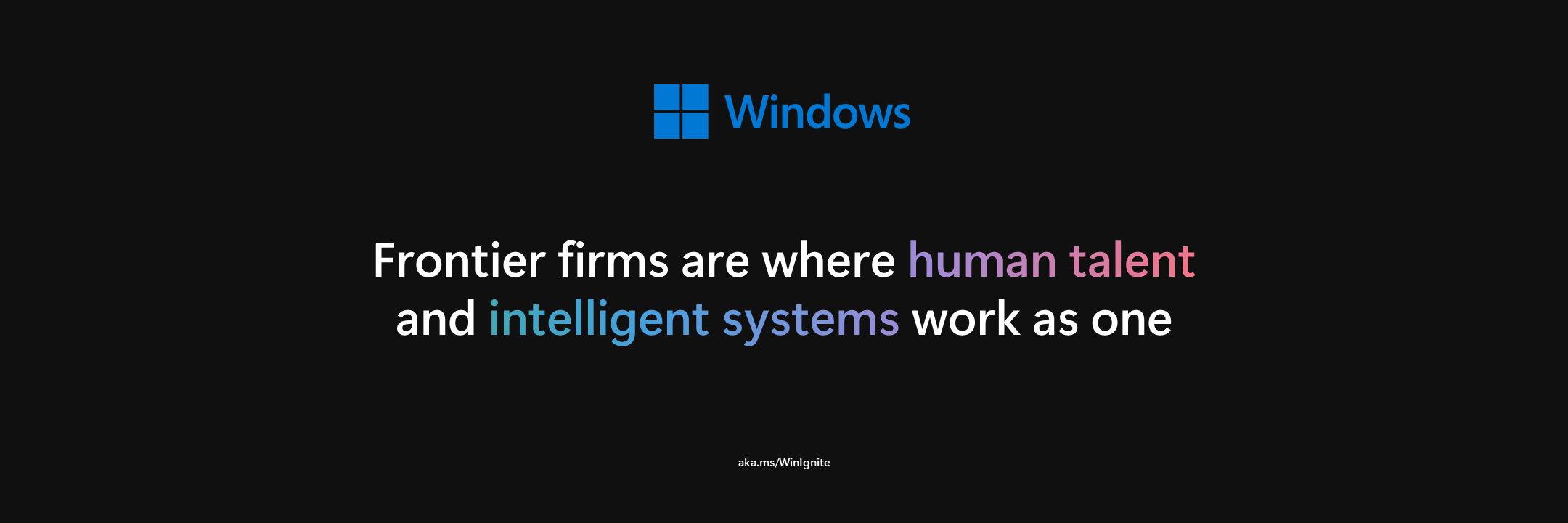
Introduction


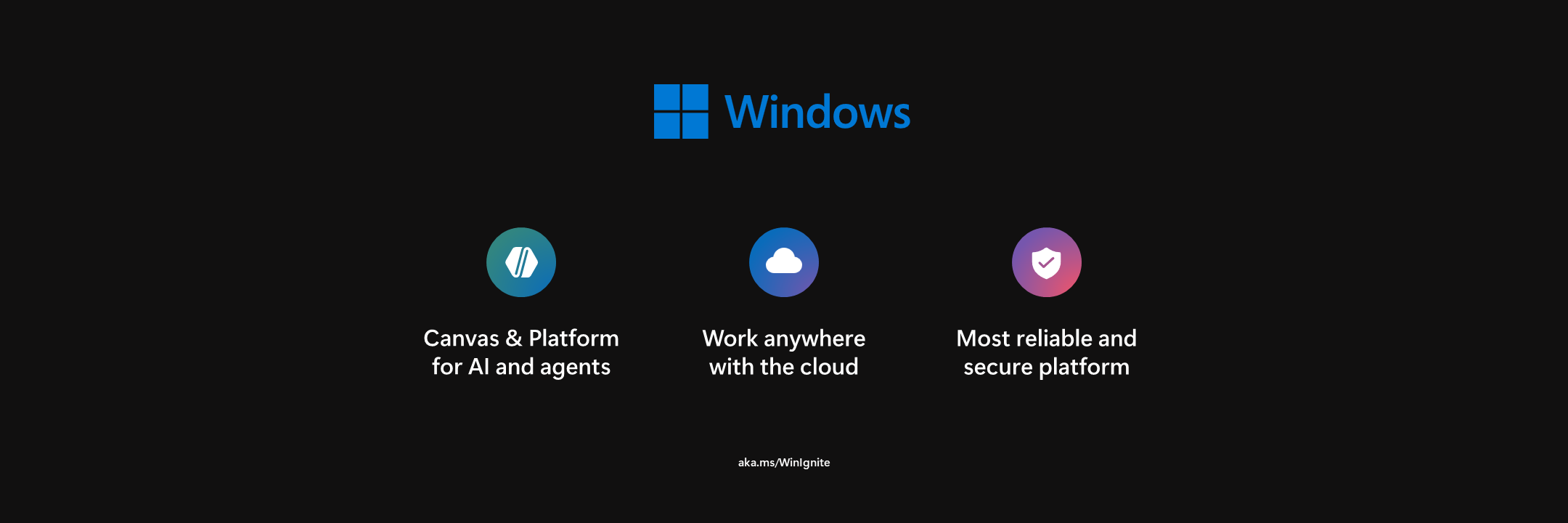
Intelligent Productivity Pt. 1
Section 2:


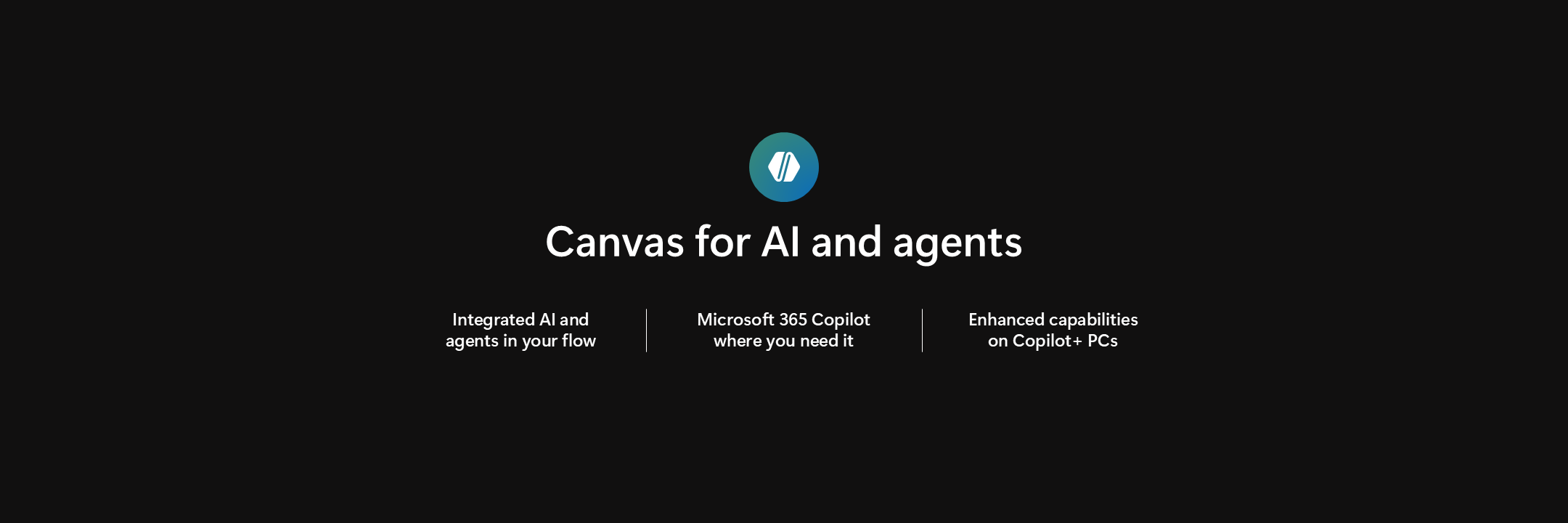

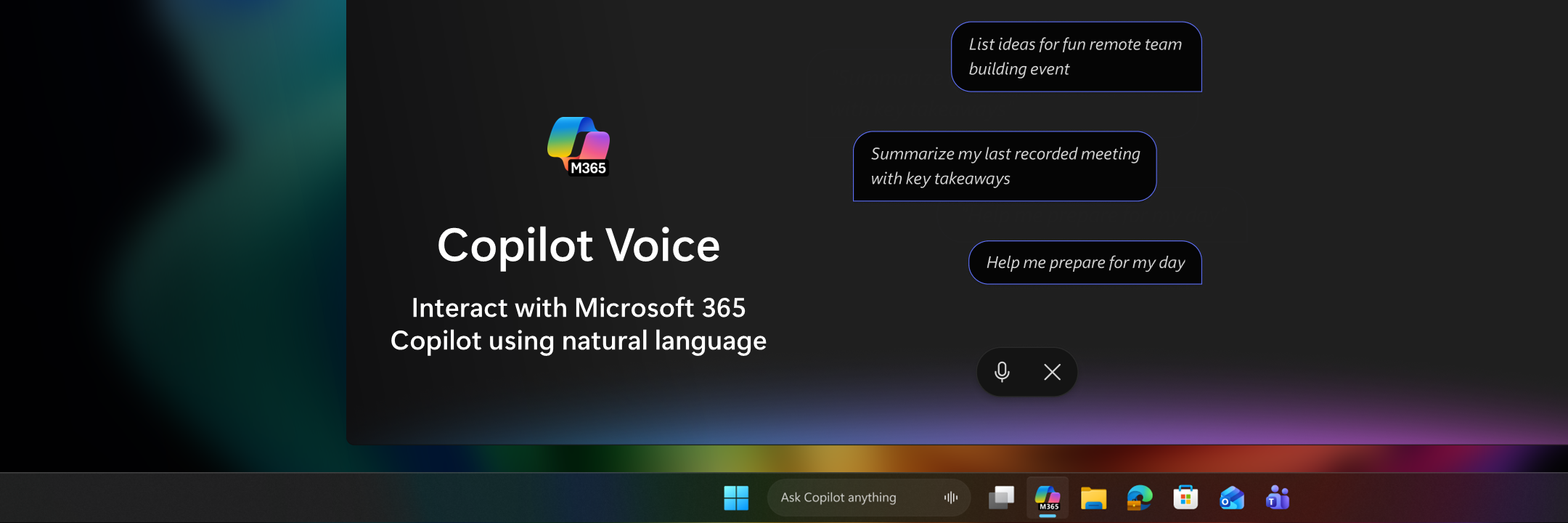
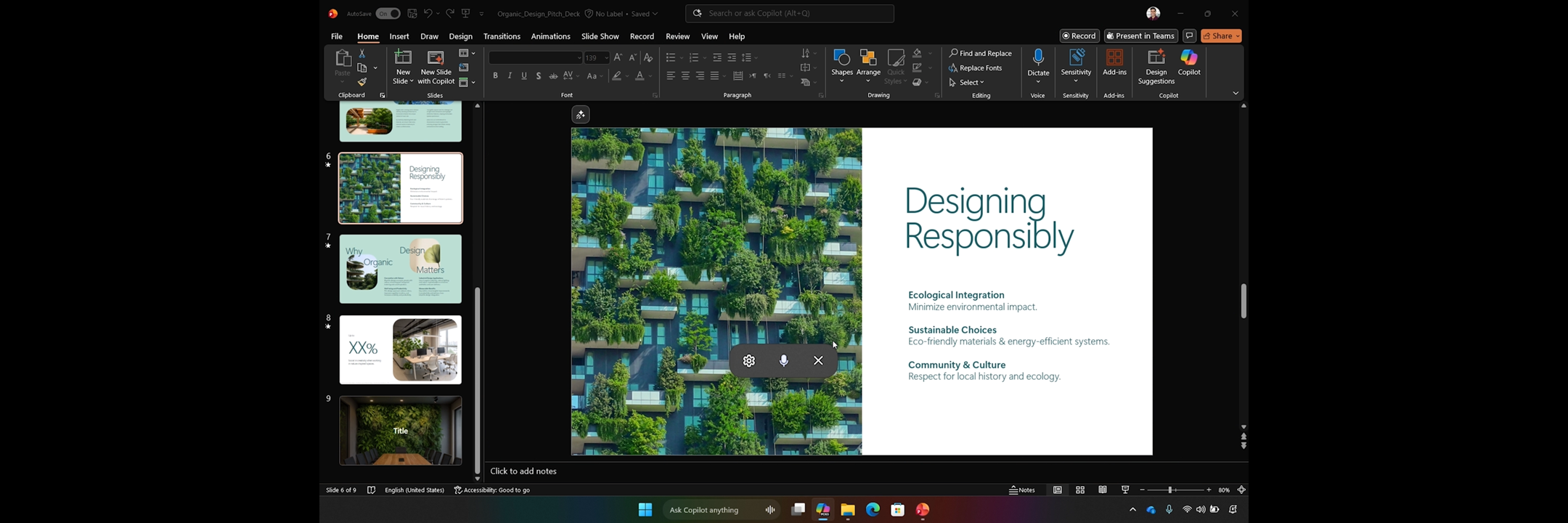
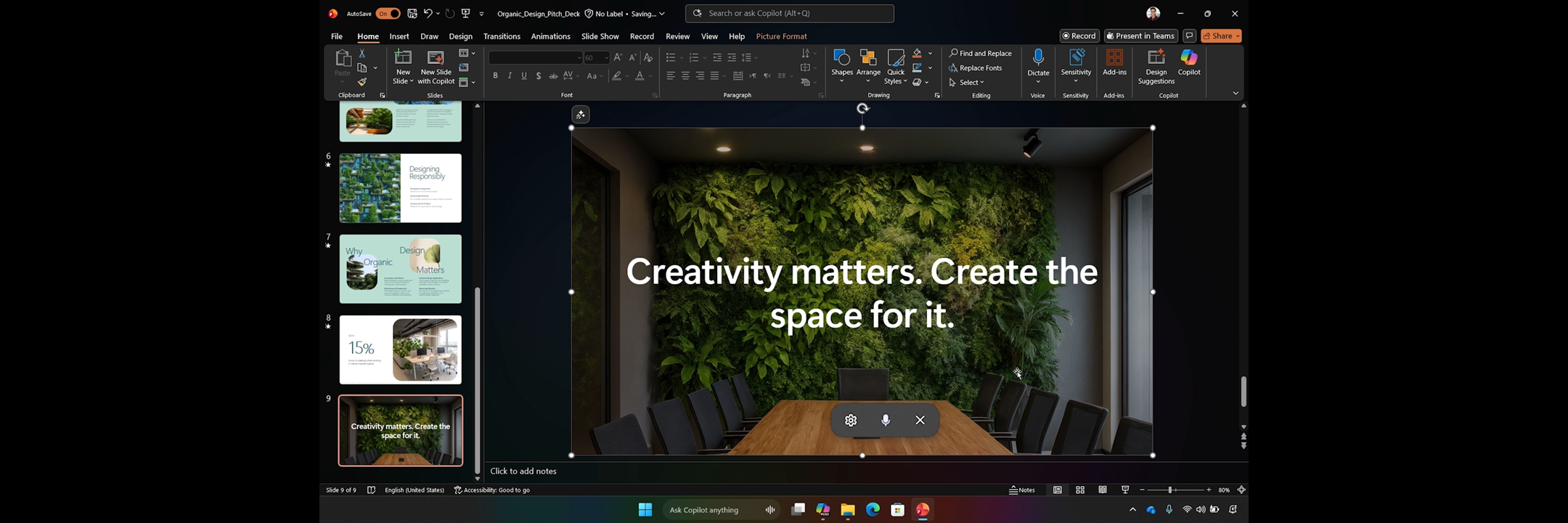
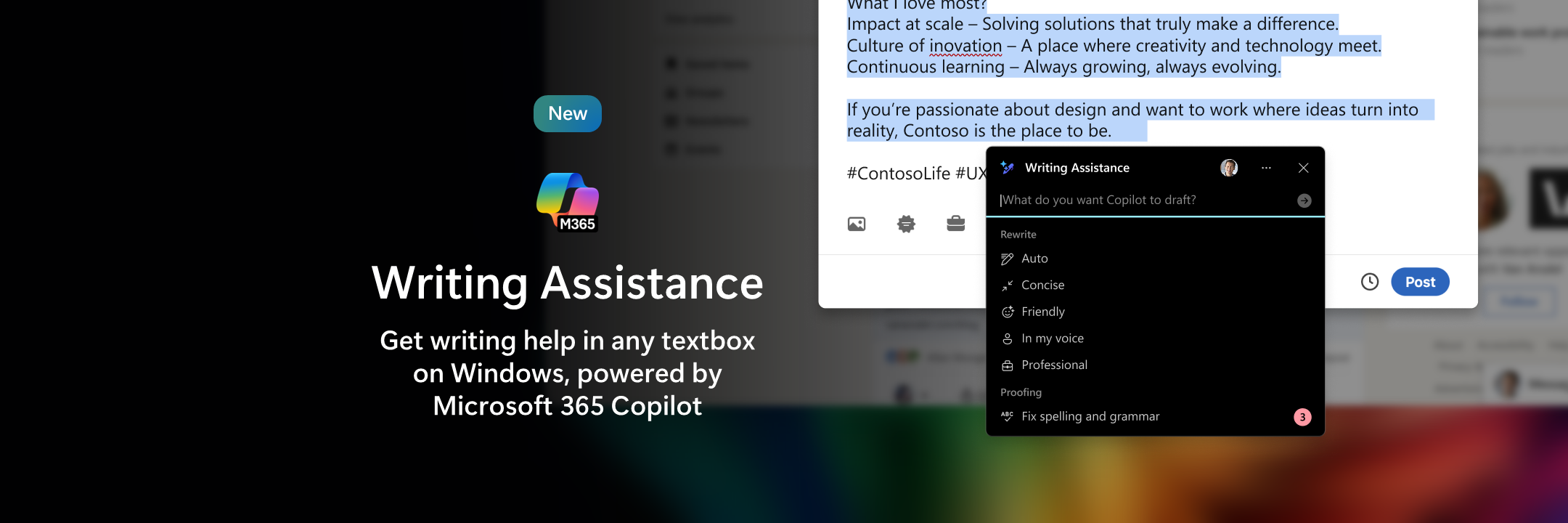
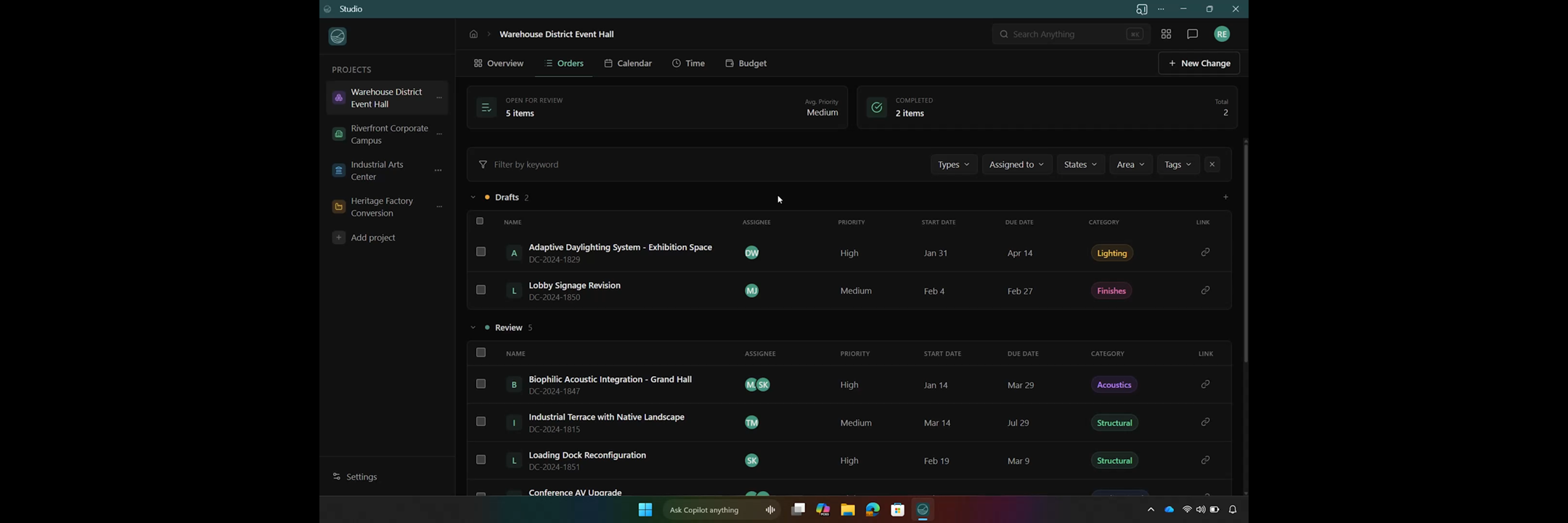
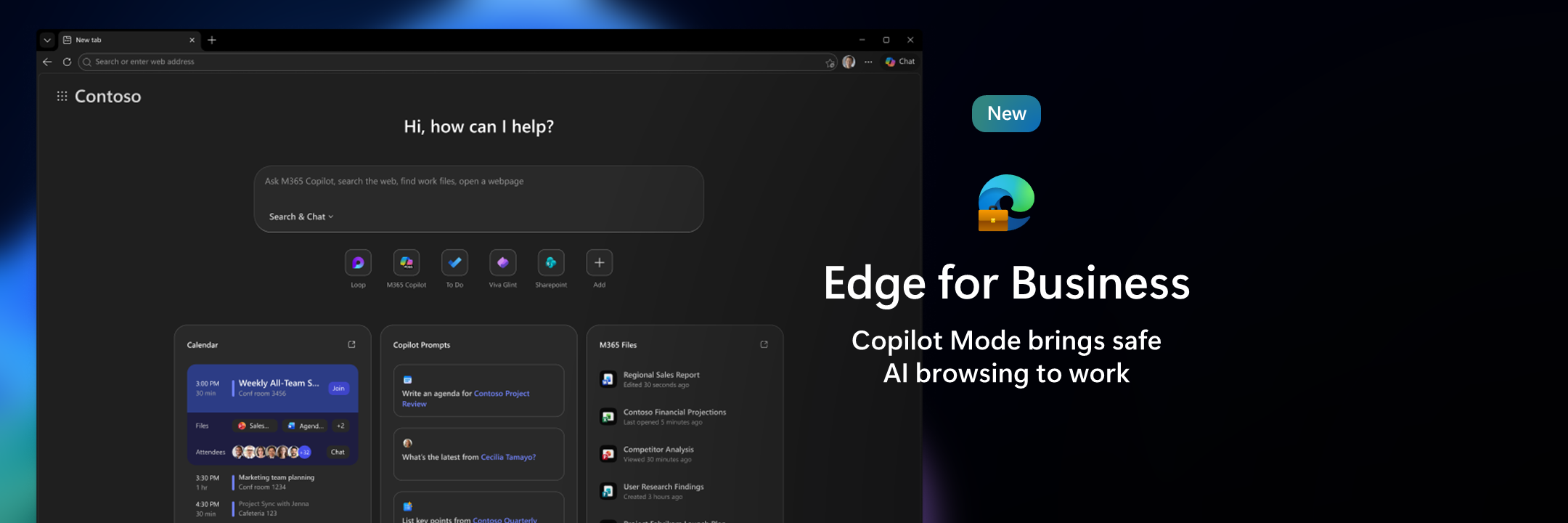
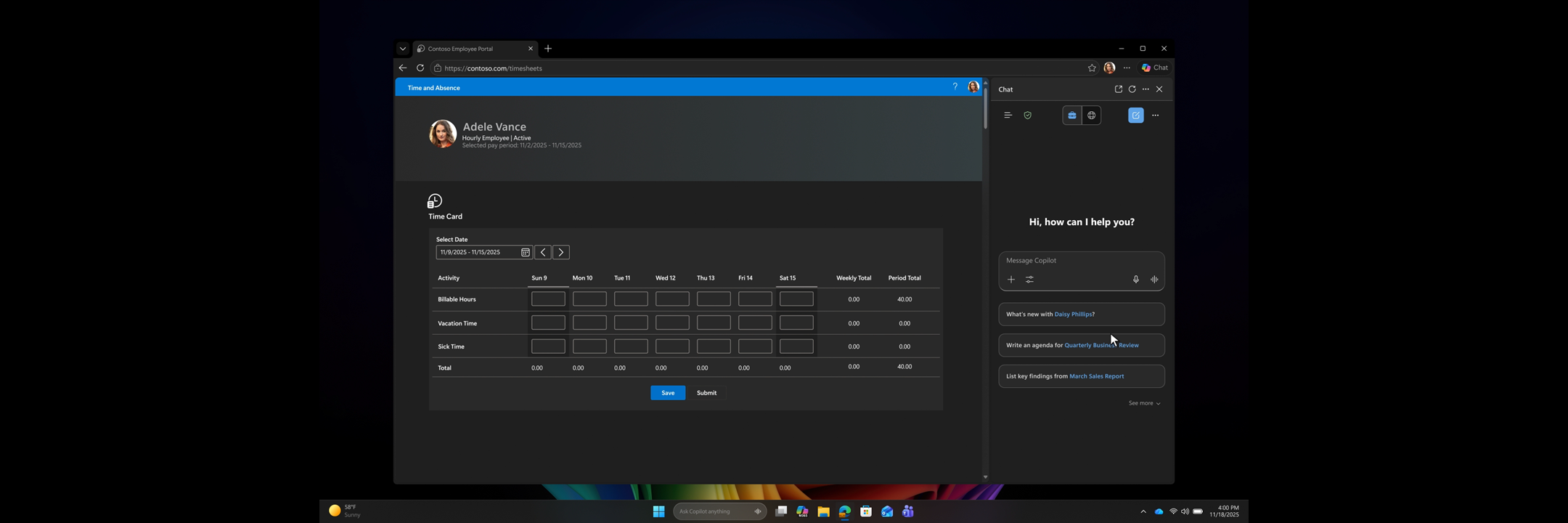
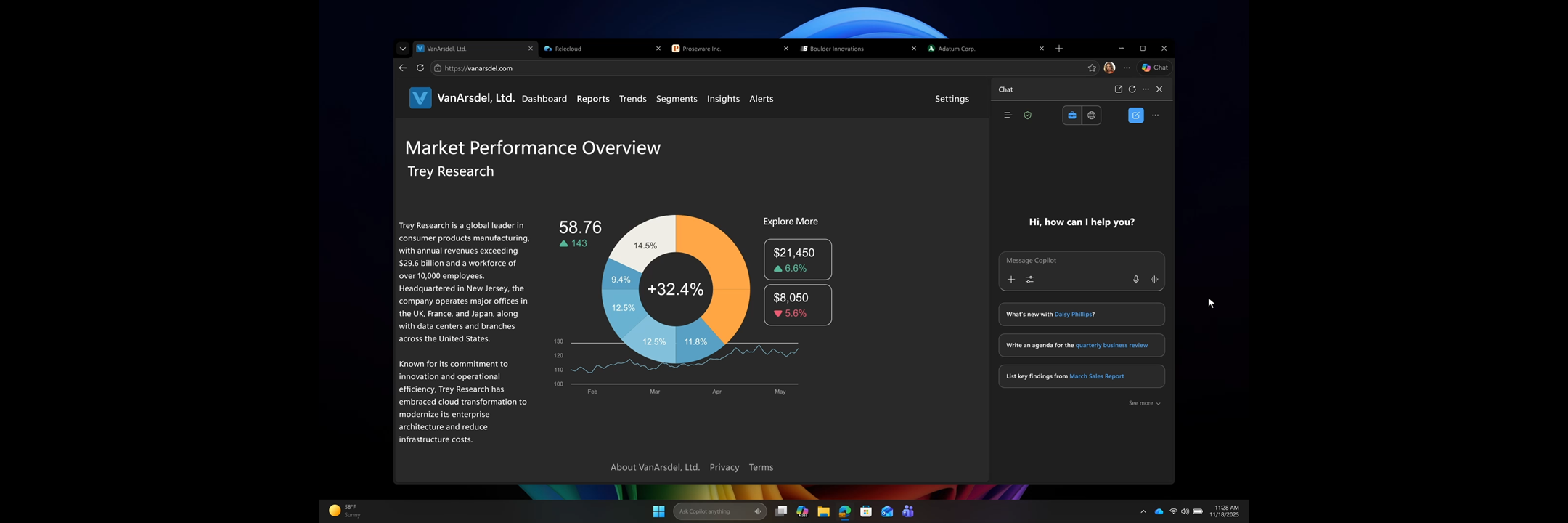

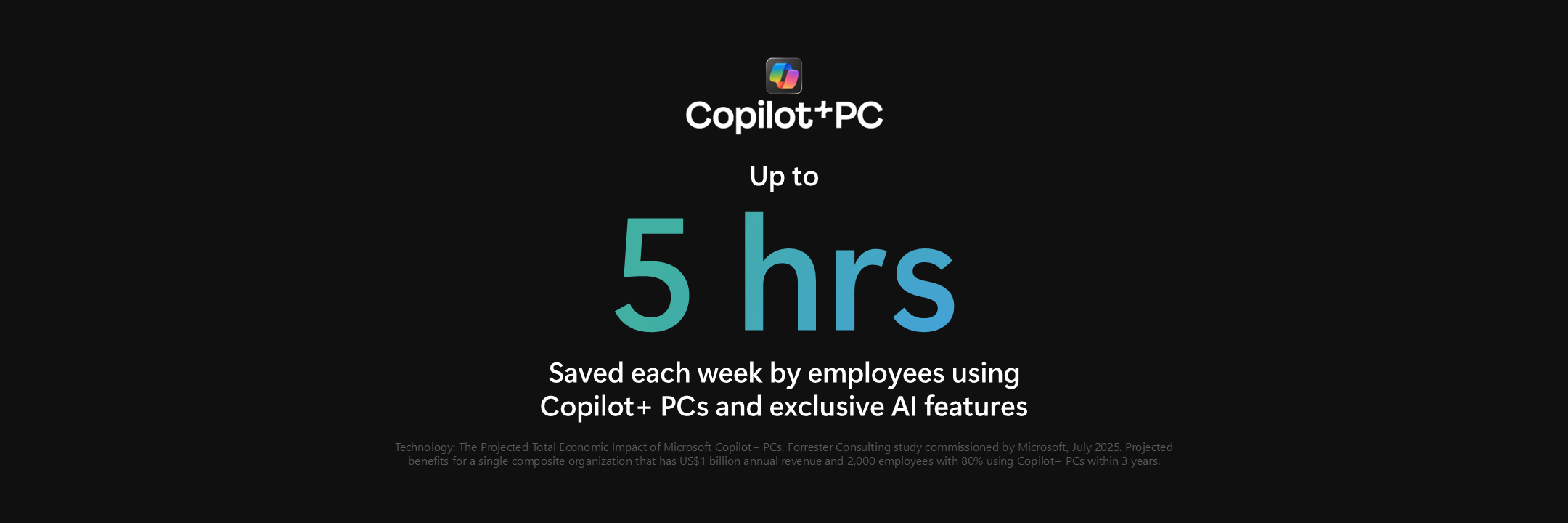
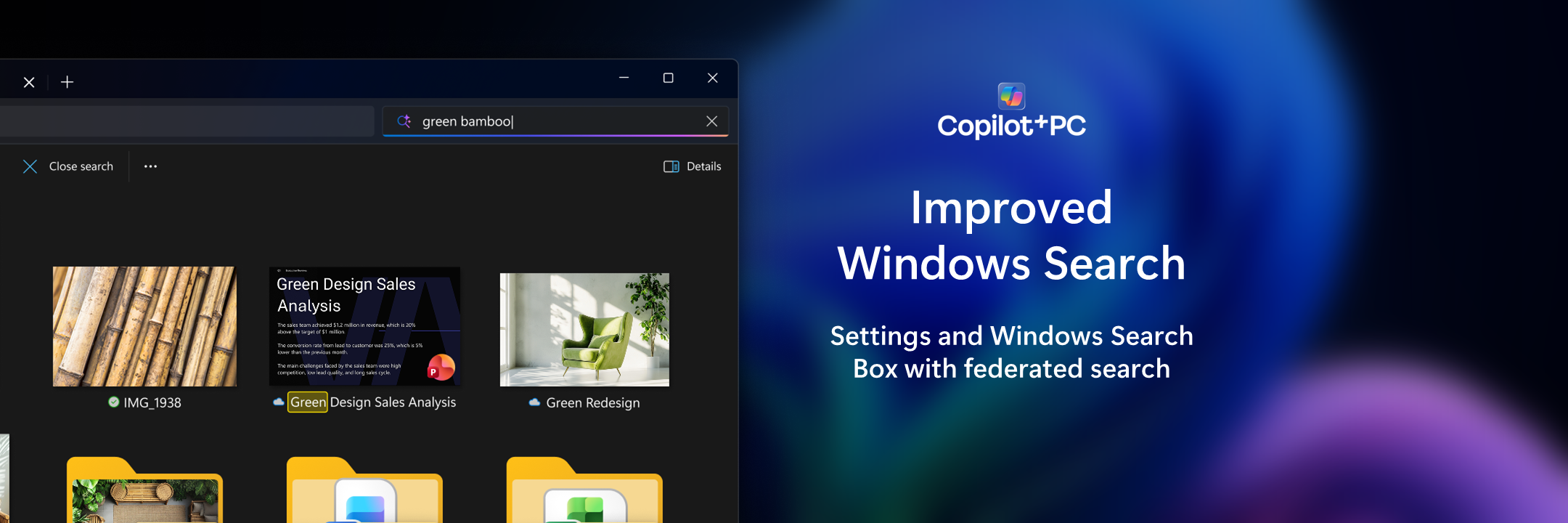
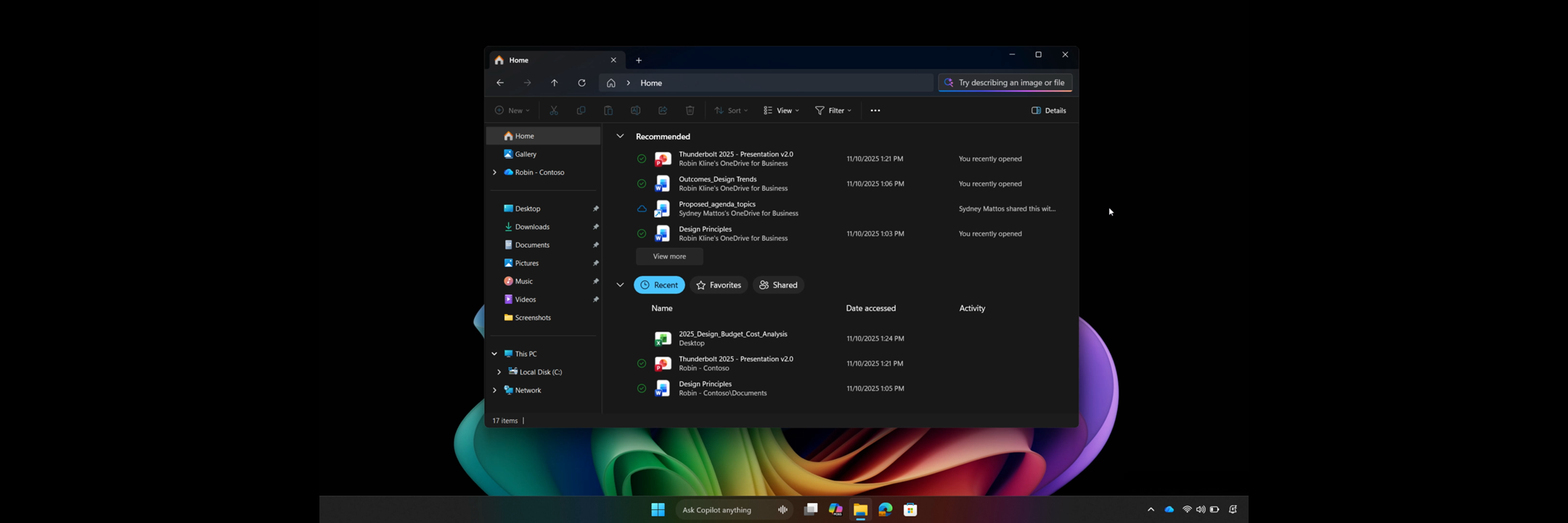
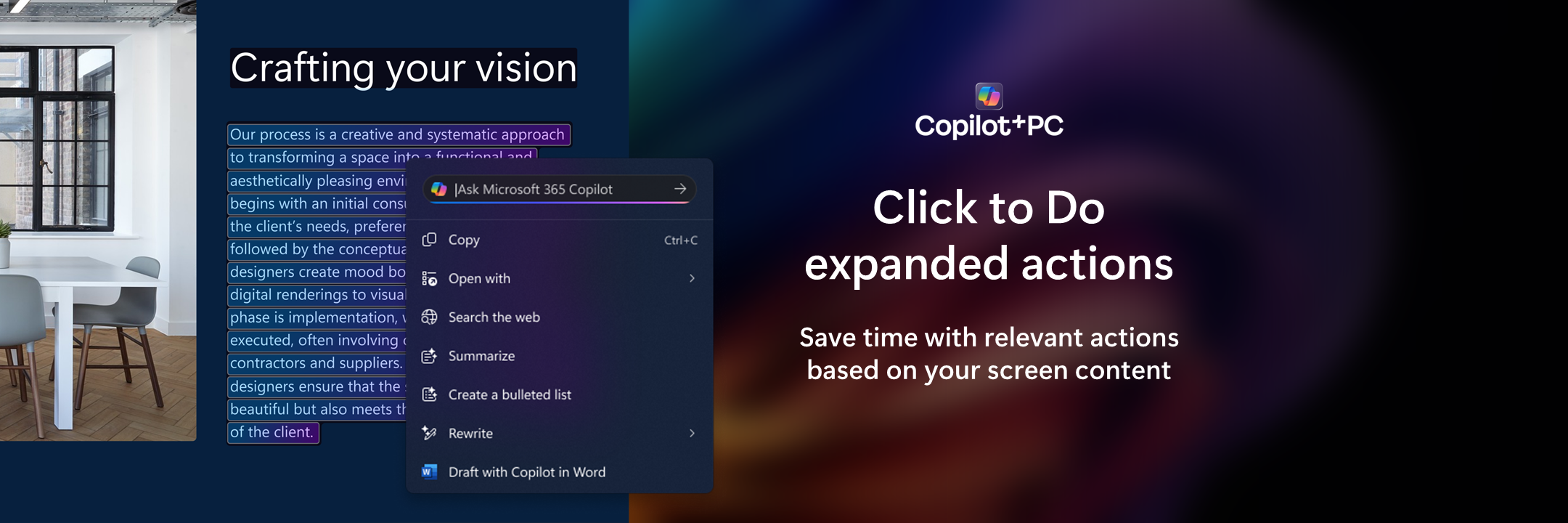
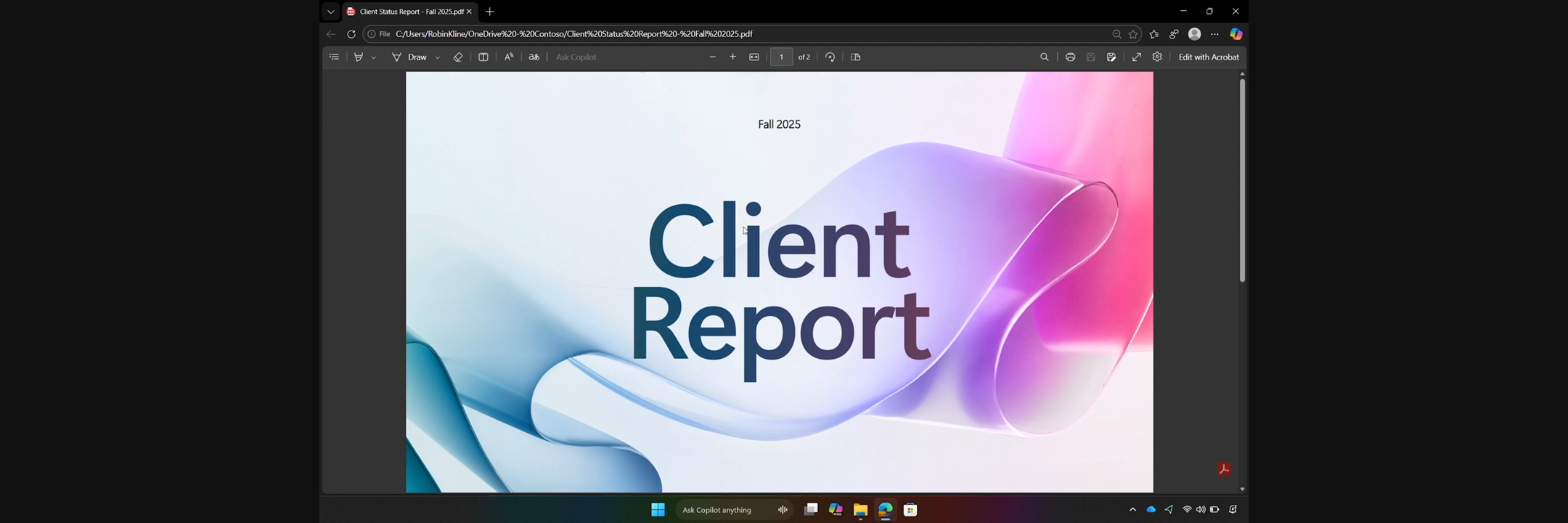
Intelligent Productivity Pt. 2
Section 3:



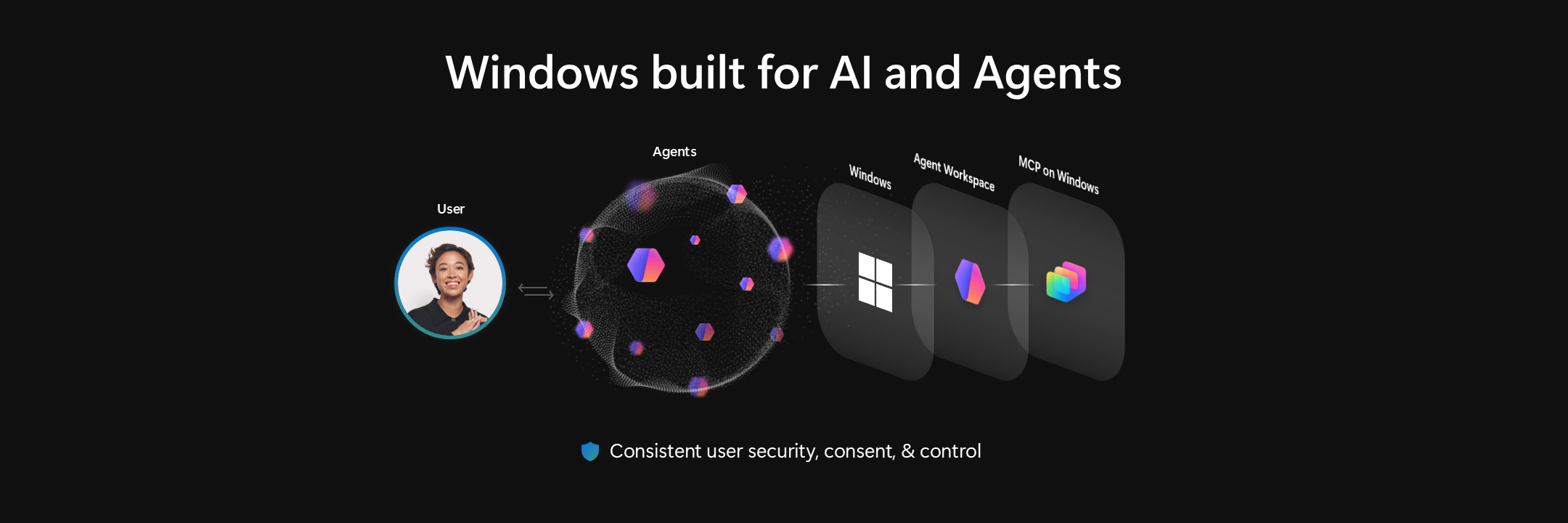

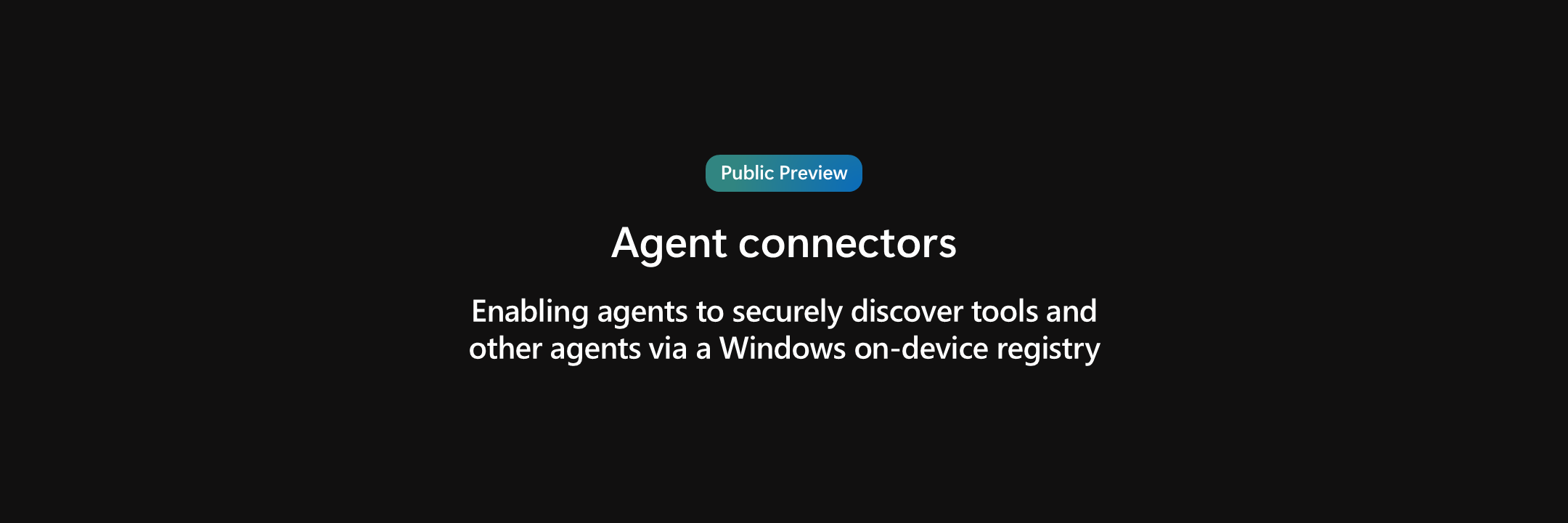
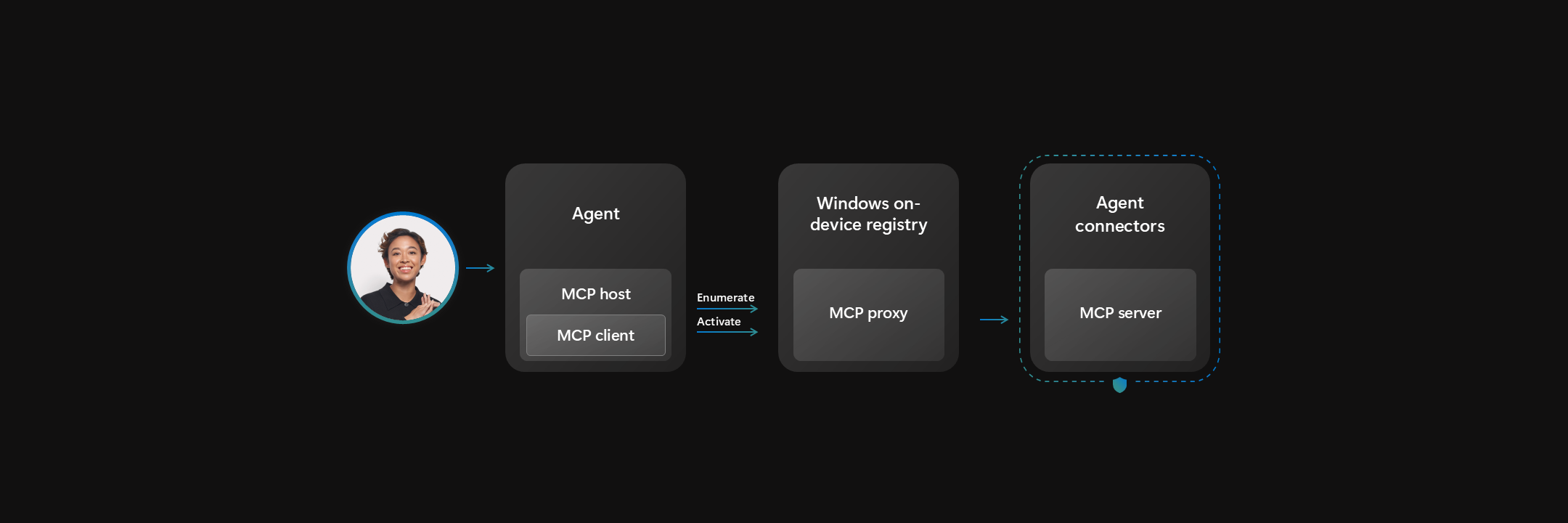
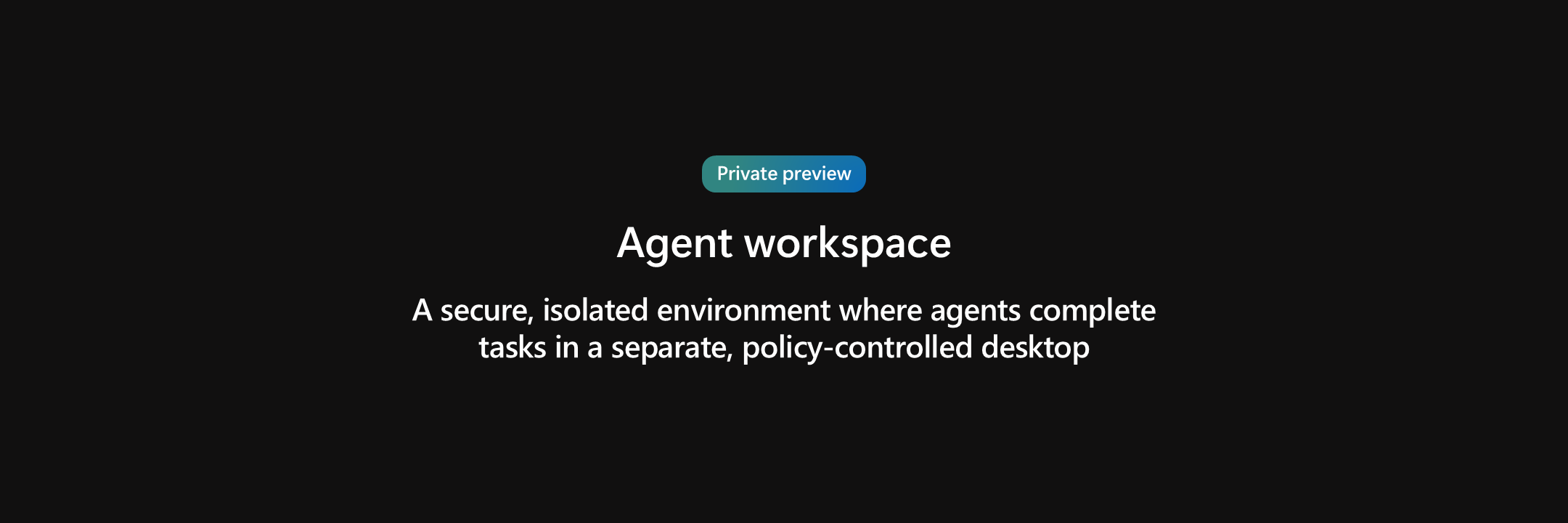
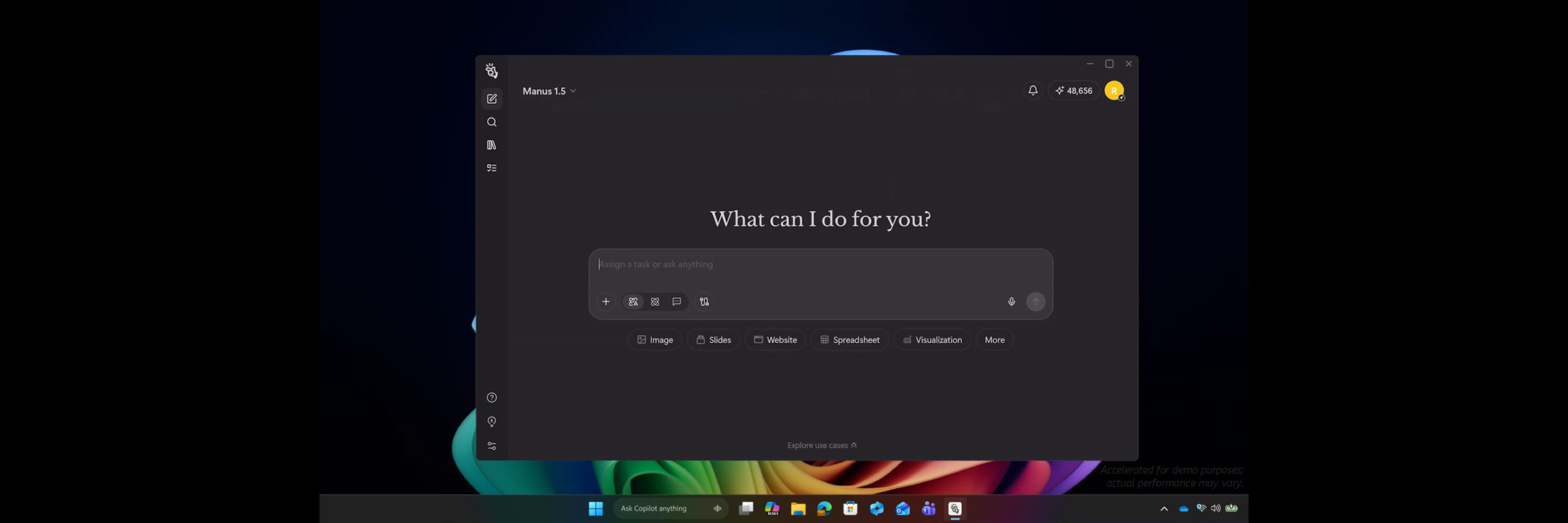


Section 4:
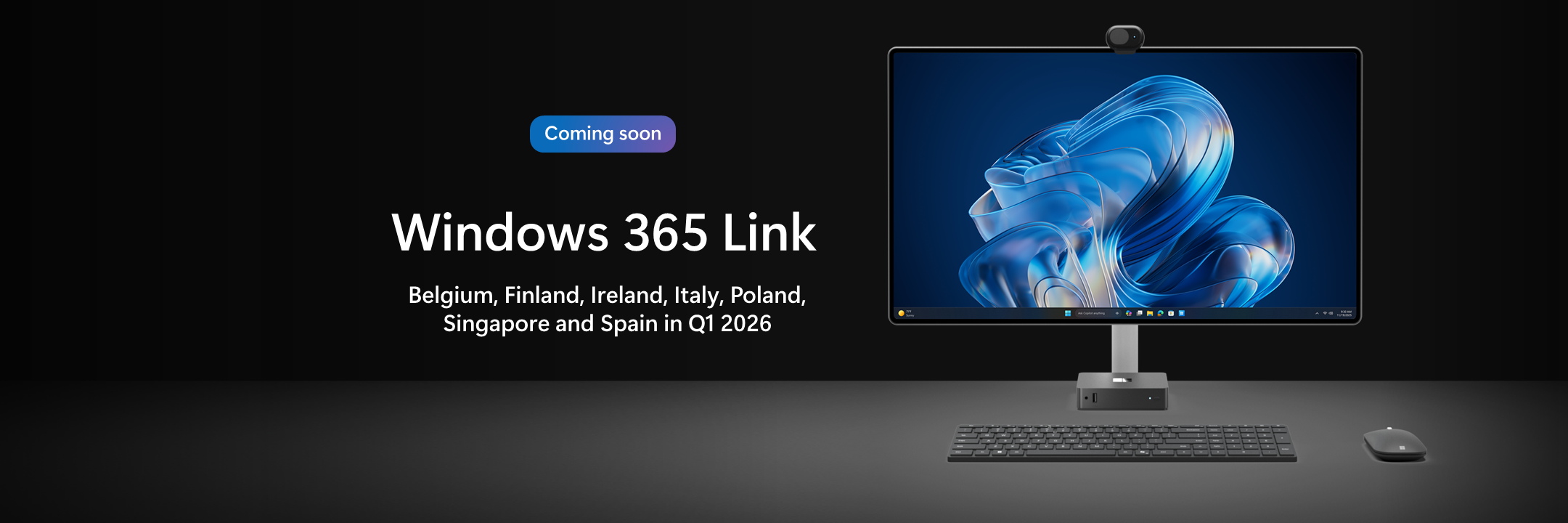
Work Anywhere


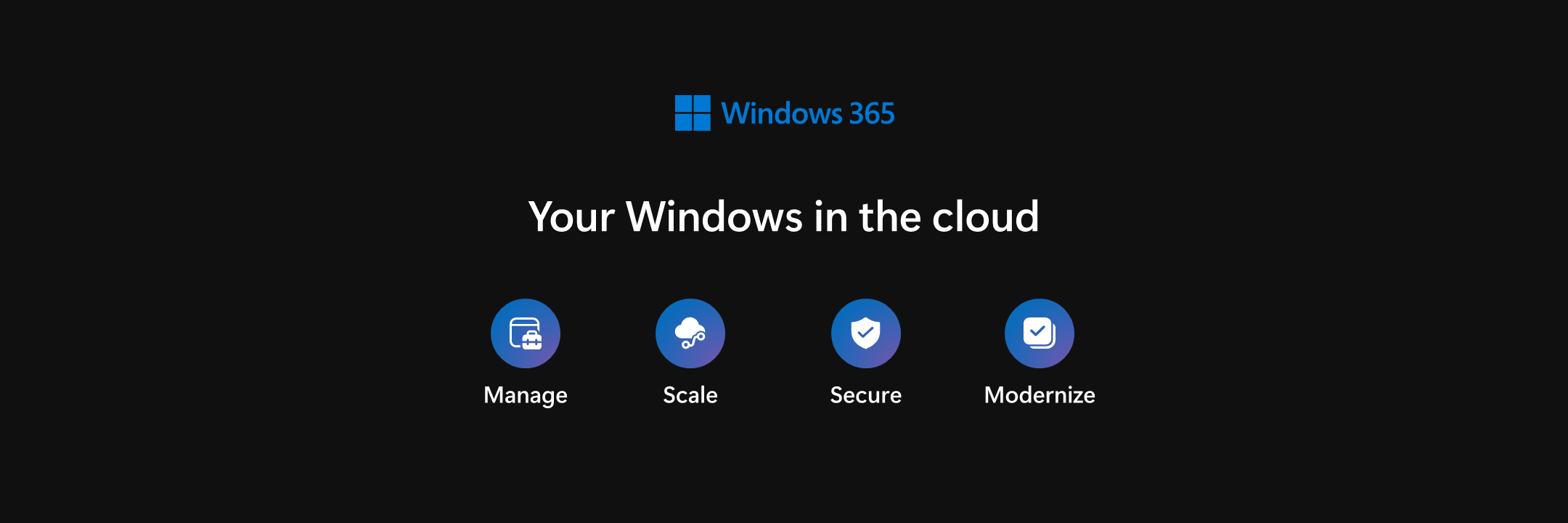
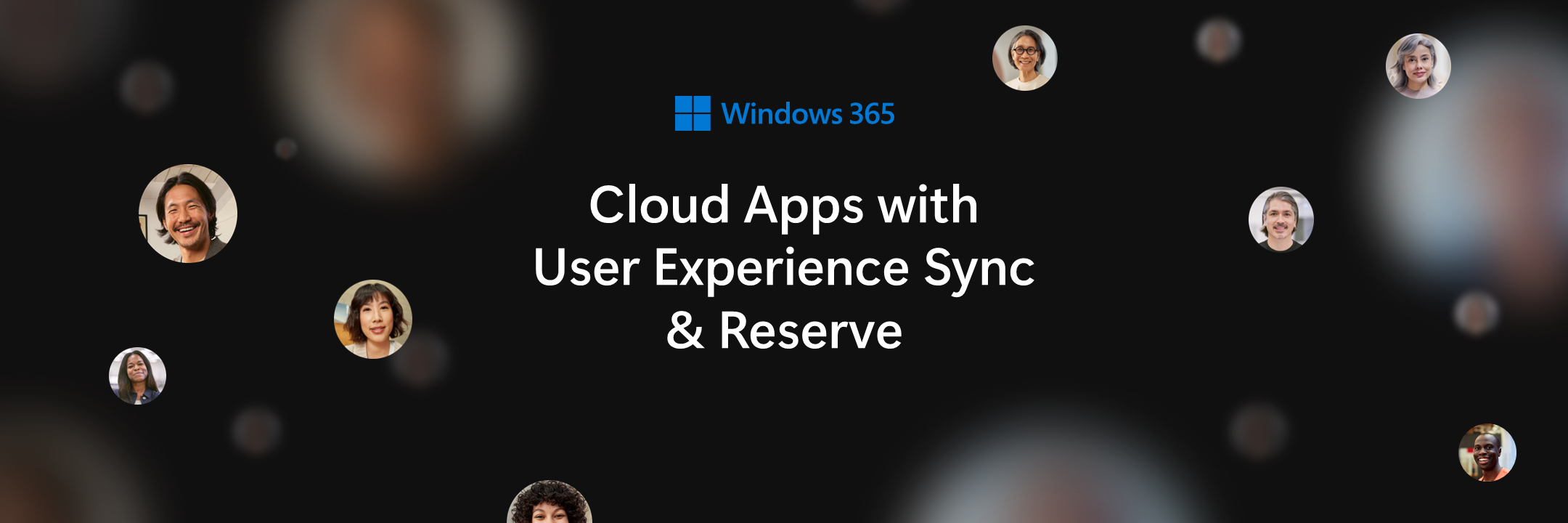






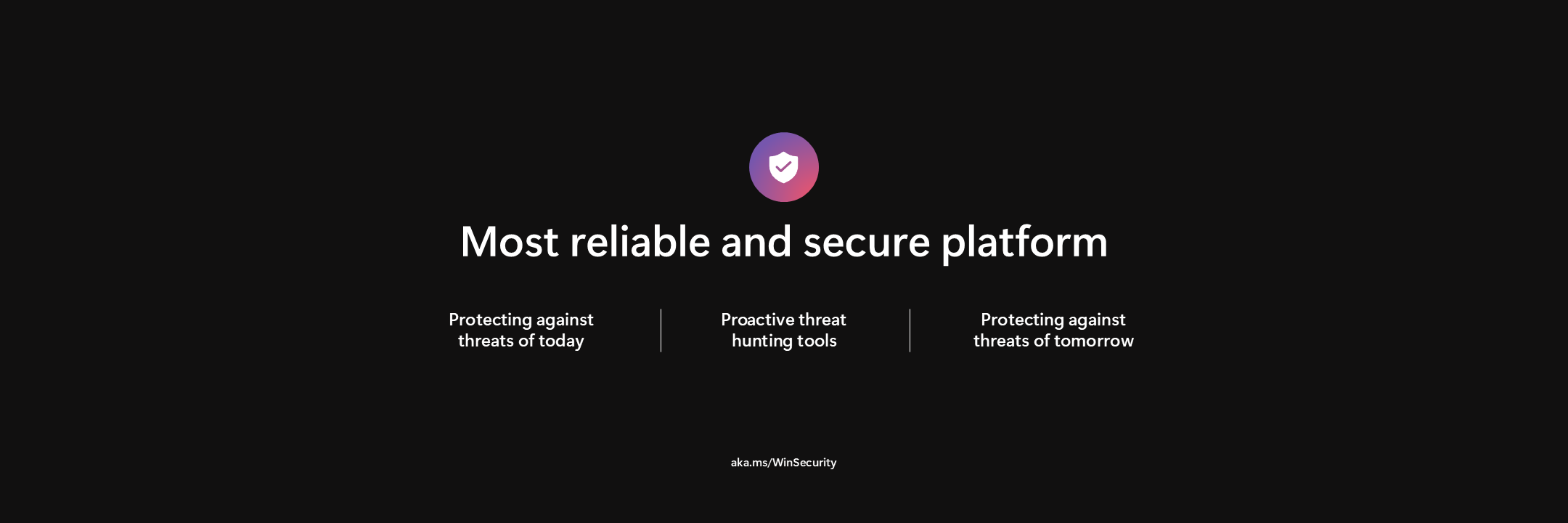
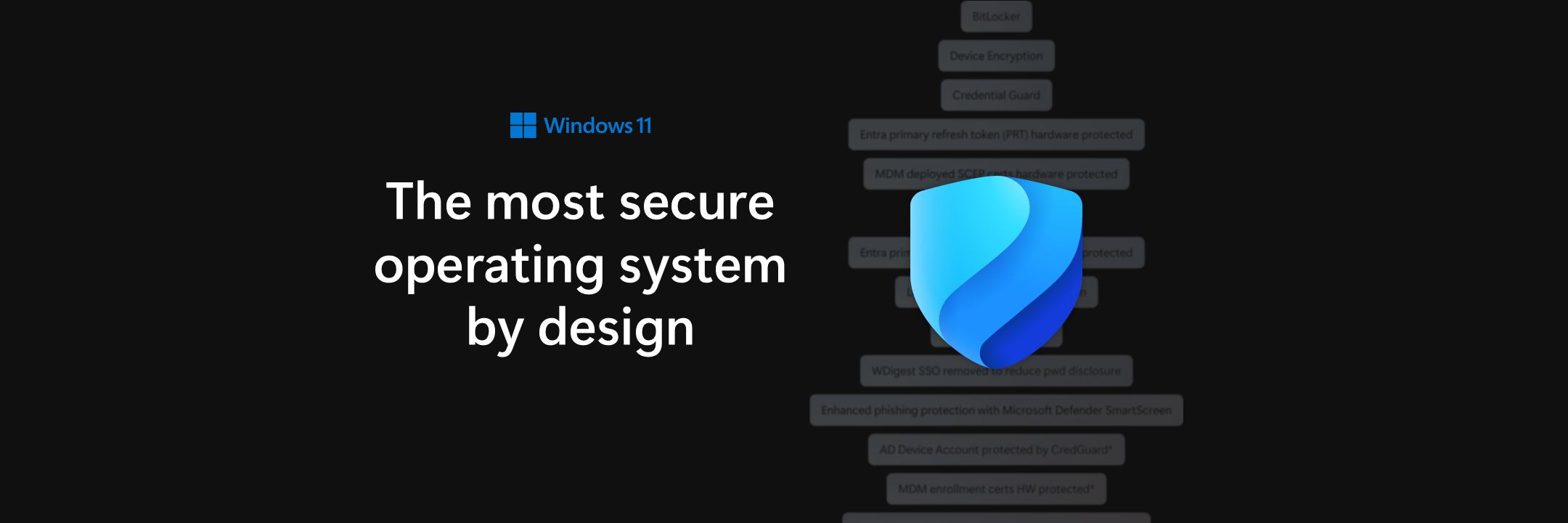
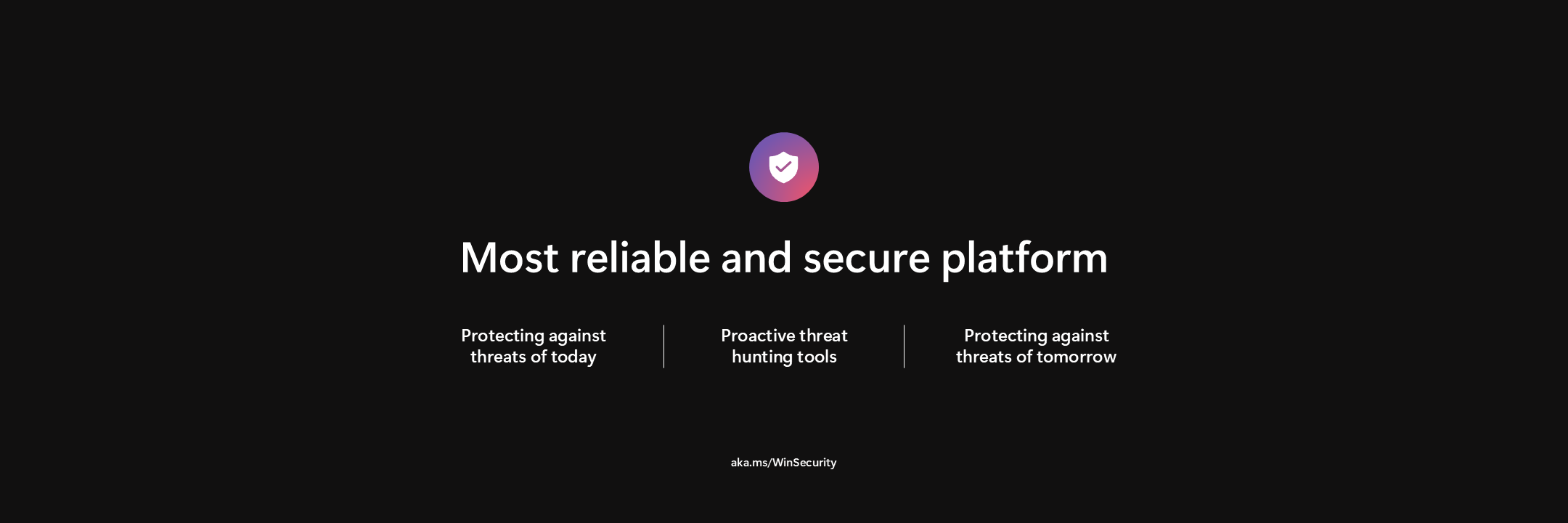
Always Protected
Section 5:
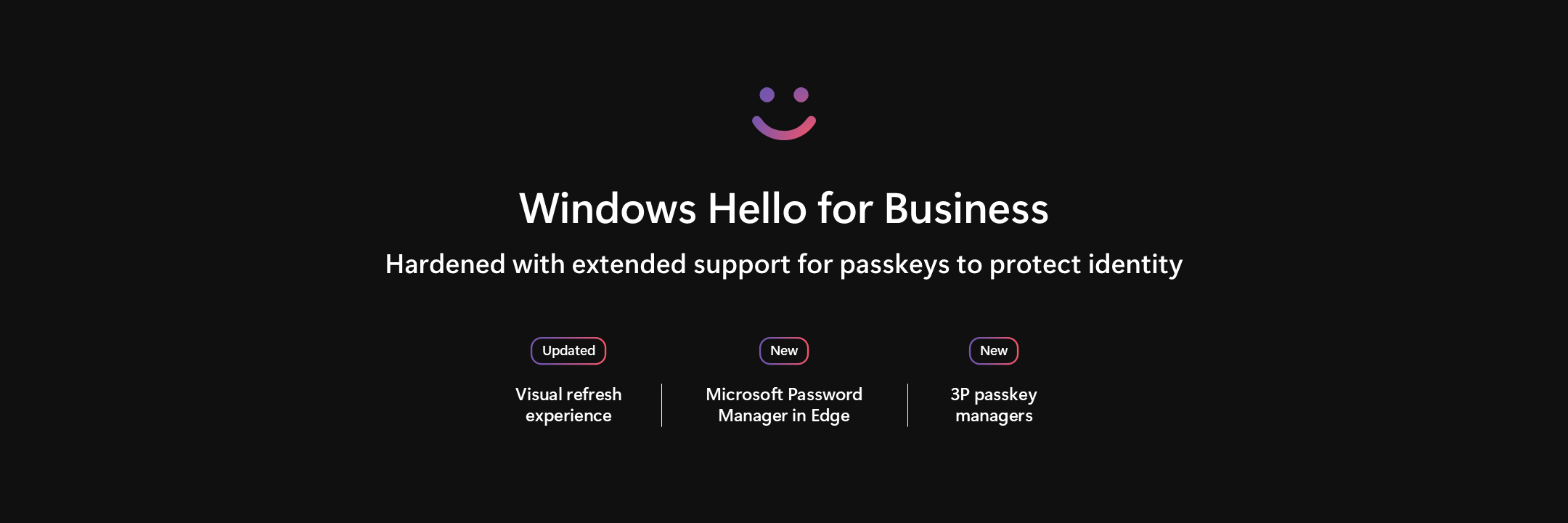
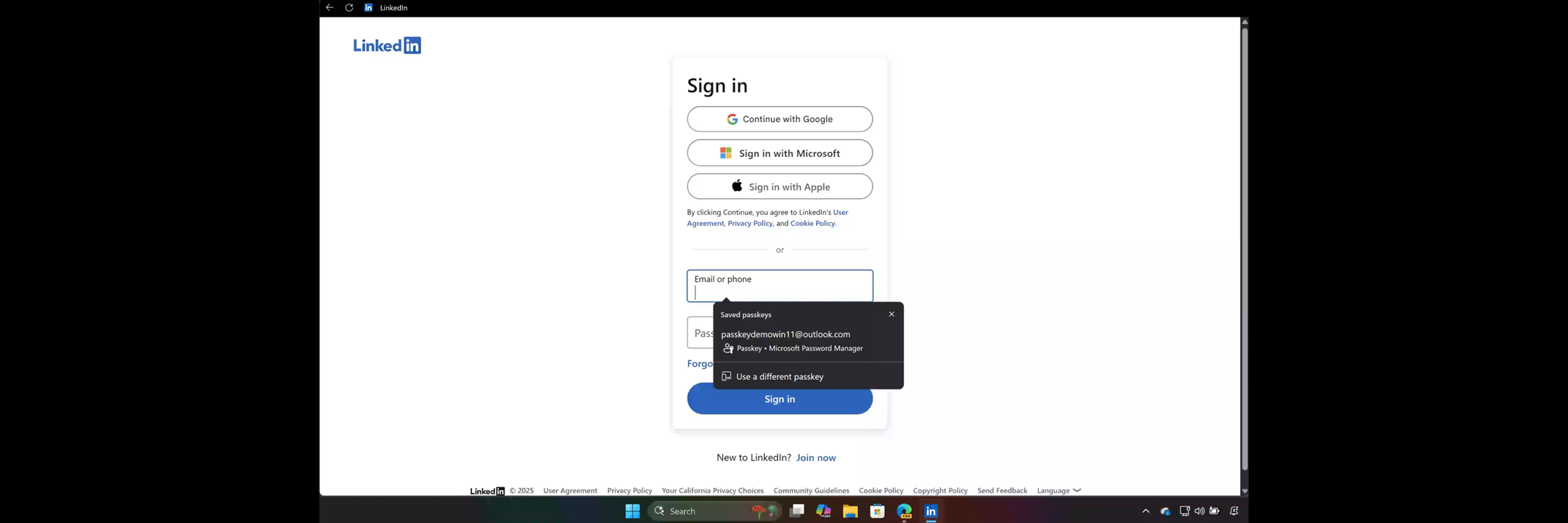
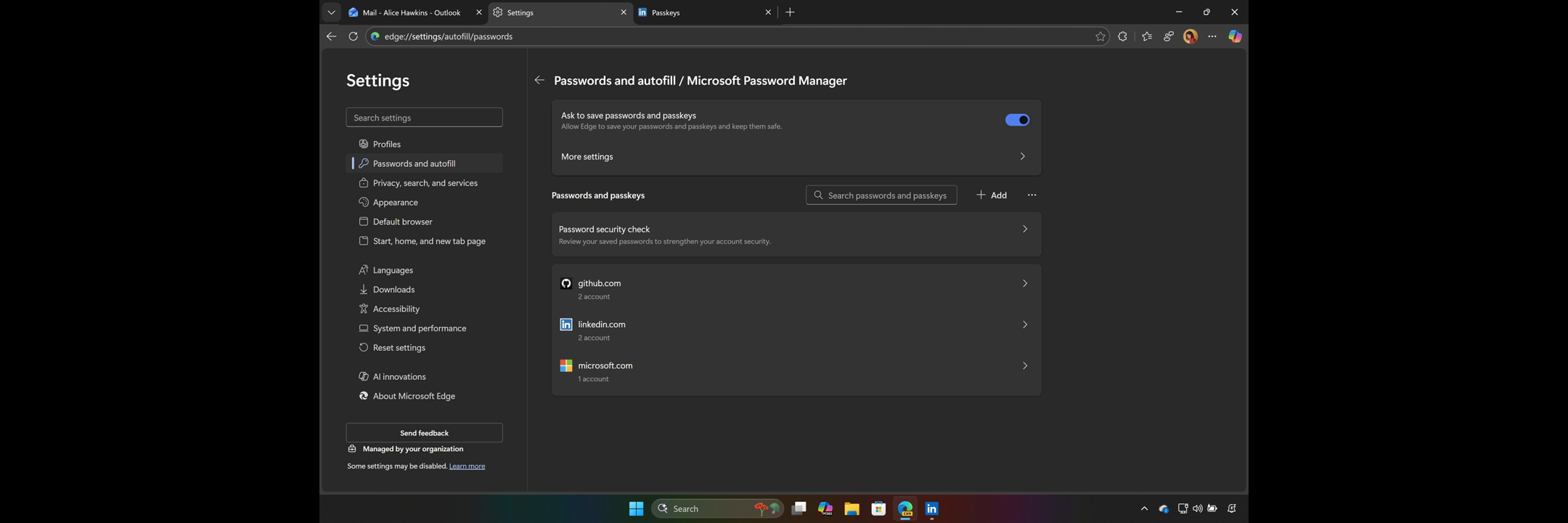











Frontier Firms run on Windows
Section 6: